200000mAh 120W Power Bank Guide: Speed, Safety, Travel
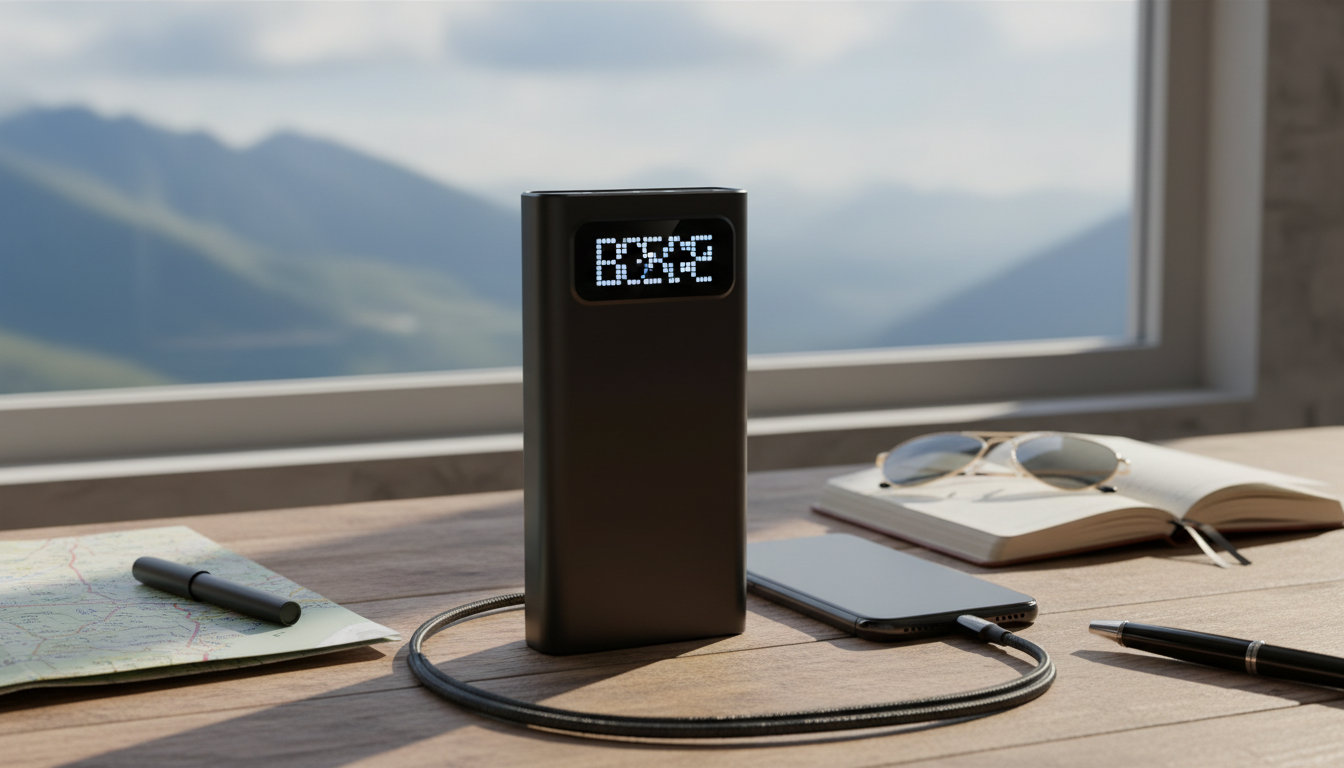
200000mAh High-Capacity Power Bank with 120W Super Fast Charging: What It’s Built For and How to Use It
A high-capacity, high-wattage power bank is built for long stretches away from outlets—supporting phones, tablets, and USB‑C laptops while keeping recharge times practical when your gear supports fast charging. Below is a clear breakdown of what “200000mAh” and “120W” mean in day-to-day use, how to charge safely, and what to confirm for compatibility before you plug in.
Who This Power Bank Fits Best
A large-capacity pack with high output is most useful when you’re juggling multiple devices or you can’t count on steady wall power.
- Travel days with multiple devices: phone + tablet + earbuds + a USB‑C laptop backup, all topped up from one source.
- Field work and outdoor use: job sites, remote locations, and mobile work where outlet access is limited or intermittent.
- Emergency preparedness: extended outages where you want to keep essential communication devices running for days.
- Creators and gamers: faster top-ups between sessions (when supported), instead of slow, all-night charging.
Capacity and Charging Speed: What 200000mAh and 120W Mean
Capacity and charging speed solve different problems. The capacity number (mAh) is about how much energy is stored; the wattage (W) is about how quickly energy can be delivered to a compatible device.
200000mAh: stored energy, not guaranteed “number of charges”
mAh is measured at the internal battery cell voltage, not at the charging voltage your devices receive. When the power bank converts power to 5V/9V/15V/20V outputs, some energy is lost to conversion and heat. That’s why real-world usable energy is always lower than the printed figure—even before you factor in cable resistance and the device’s own charging efficiency.
120W: faster delivery when the device can accept it
120W output is about shortening charging time, not magically creating more total energy. To actually get high-watt charging, your device and the power bank must negotiate a compatible fast-charge profile (most commonly USB‑C Power Delivery). You’ll also need a cable rated for the wattage so it can safely carry the required current.
Quick Compatibility Checks Before Charging
| Device type | What to look for | Why it matters |
|---|---|---|
| USB‑C laptop | USB‑C PD input support (often 45W/65W/100W+) | Without PD negotiation, charging may be slow or not start |
| Phone (USB‑C) | PD / PPS or the phone’s fast-charge standard | Fast charging depends on the phone and the power bank agreeing on a profile |
| Tablet / handheld console | USB‑C PD support | Stable PD output prevents repeated connect/disconnect behavior |
| Older USB‑A devices | USB‑A cable + device current limits | USB‑A is typically slower; useful for accessories |
For a deeper look at how USB‑C fast charging negotiates power levels, see the USB‑IF overview of USB Power Delivery.
Charging Scenarios That Make the Most of 120W Output
High wattage shines when you’re time-limited or powering devices that can actually accept higher input power.
- Laptop boost while commuting: If your laptop supports higher-watt USB‑C PD, short charging sessions can add meaningful runtime for the rest of the day.
- Two-device refuel: Use the highest-watt port for the device that benefits most (often a laptop or tablet), and a secondary port for a phone or accessories.
- Fast top-ups between meetings: Higher wattage matters when you only have a few minutes to plug in and go.
- Heat-aware use: Fast charging can warm both the power bank and the device; place them on a hard surface with airflow and keep them out of direct sun.
Safety and Battery Care for High-Capacity Packs
High-capacity batteries are safe when used correctly, but they demand basic heat and cable discipline.
- Use the right cable: High-watt USB‑C cables are commonly labeled 5A/100W or 240W. If the cable isn’t rated for the job, charging may slow down or run hot.
- Avoid heat traps: Don’t charge under pillows, in closed bags, or on soft surfaces that hold heat.
- Know the stop signs: If the power bank gets unusually hot, swells, smells odd, or behaves erratically (rapid disconnects, unexpected shutdowns), stop using it immediately.
- Store it smart: For long storage, keep it partially charged in a cool, dry spot. Extreme heat is one of the fastest ways to reduce lifespan.
- Recharge with reputable gear: A stable wall charger helps avoid slow recharging and overheating behavior caused by poor-quality adapters.
Travel and Carry-On Considerations
For official references, review IATA passenger guidance on lithium batteries and the TSA battery rules before flying.
Product Snapshot
Recommended picks (in stock)
- 200000mAh High-Capacity Power Bank with 120W Super Fast Charging
- Wireless Gaming Earbuds with 4 Mics, ENC Noise Canceling & 26H Playtime
FAQ
Will 120W charging work with any USB‑C laptop?
No. A laptop must support USB‑C Power Delivery input and have a compatible wattage profile (commonly 45W, 65W, or 100W+), and you must use the correct high-watt USB‑C port and a cable rated for the needed power.
Why does a 200000mAh power bank deliver fewer charges than expected?
The printed mAh rating is measured at the battery’s internal voltage, but your devices charge at higher output voltages (like 5V/9V/20V), which requires conversion that causes efficiency losses. Heat, cable resistance, and device charging behavior also reduce the usable amount compared with the label.
Can this be taken on an airplane?
It depends on the power bank’s watt-hour (Wh) rating and your airline’s limits; very large packs may exceed allowed thresholds. Spare lithium batteries are typically allowed in carry-on only, so verify the Wh value on the label before flying.




Leave a comment